Festive Atmosphere
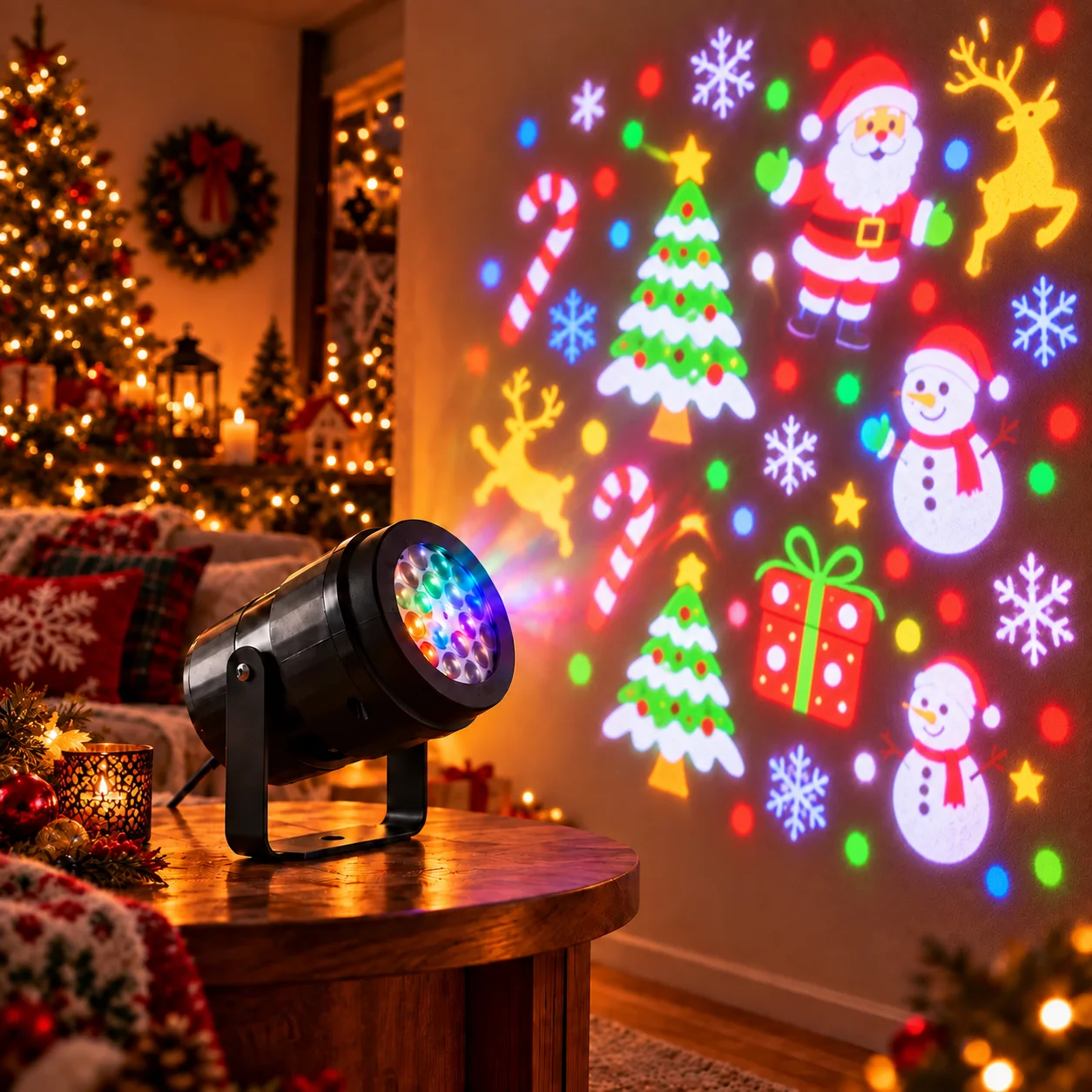
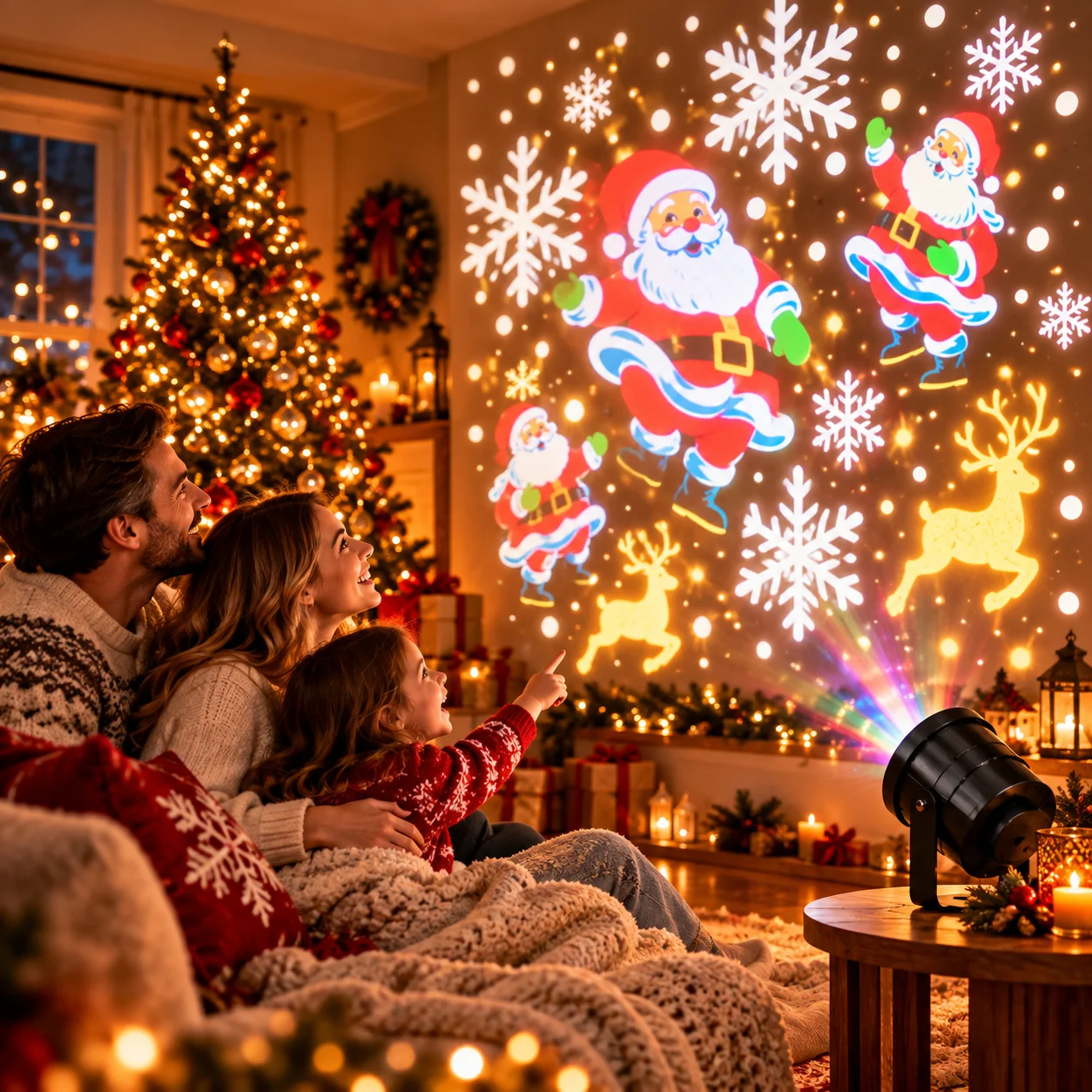
Use colourful projected scenes to help set the mood for a holiday gathering.
Bring colourful seasonal scenes to your space with Holiday Prism. Explore a festive projection experience for Halloween, Christmas and other special moments throughout the year.
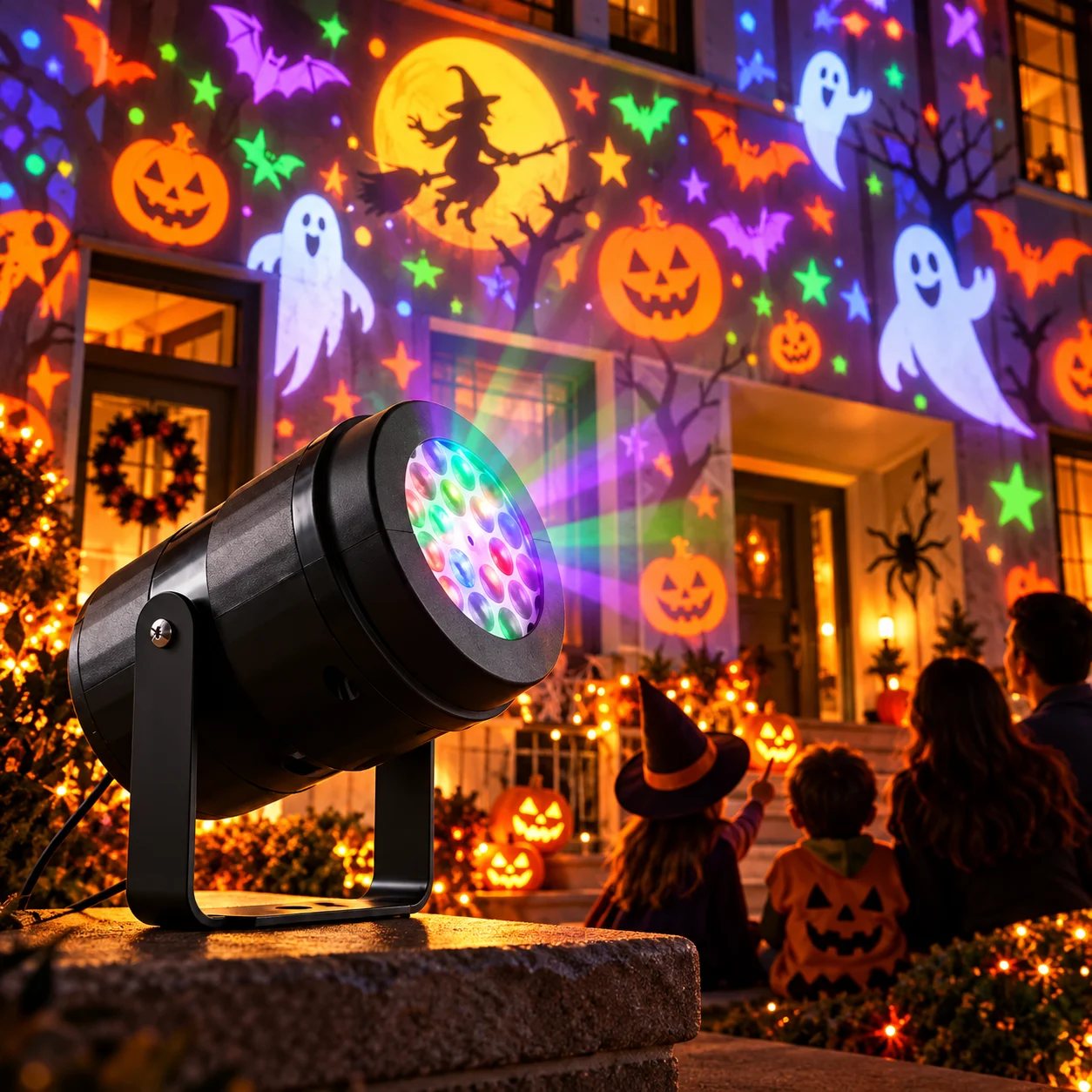
Seasonal decorating is fun, but arranging multiple decorations, lights and displays can take time. A projector-style display offers another way to add colour and character to a suitable wall or display area.
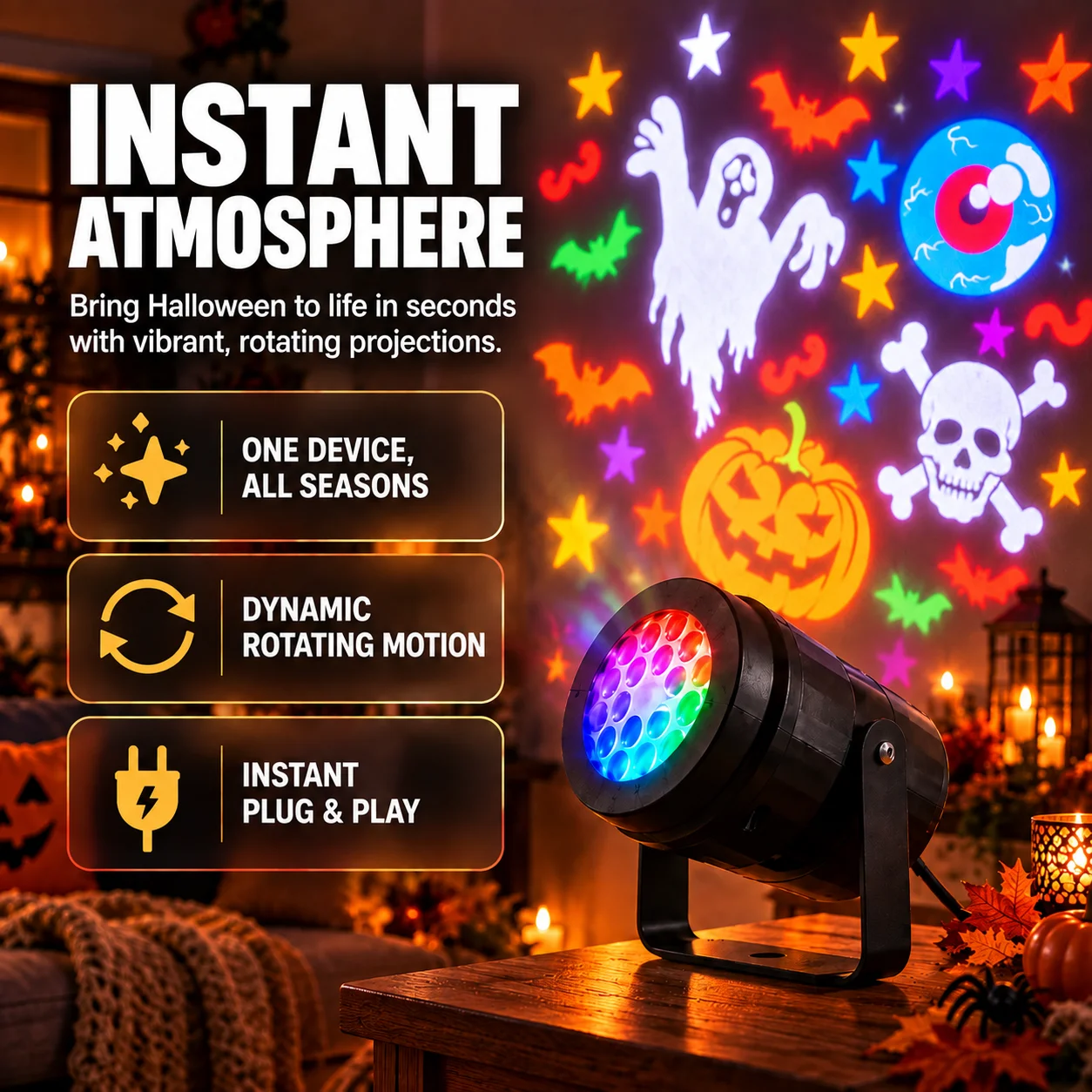
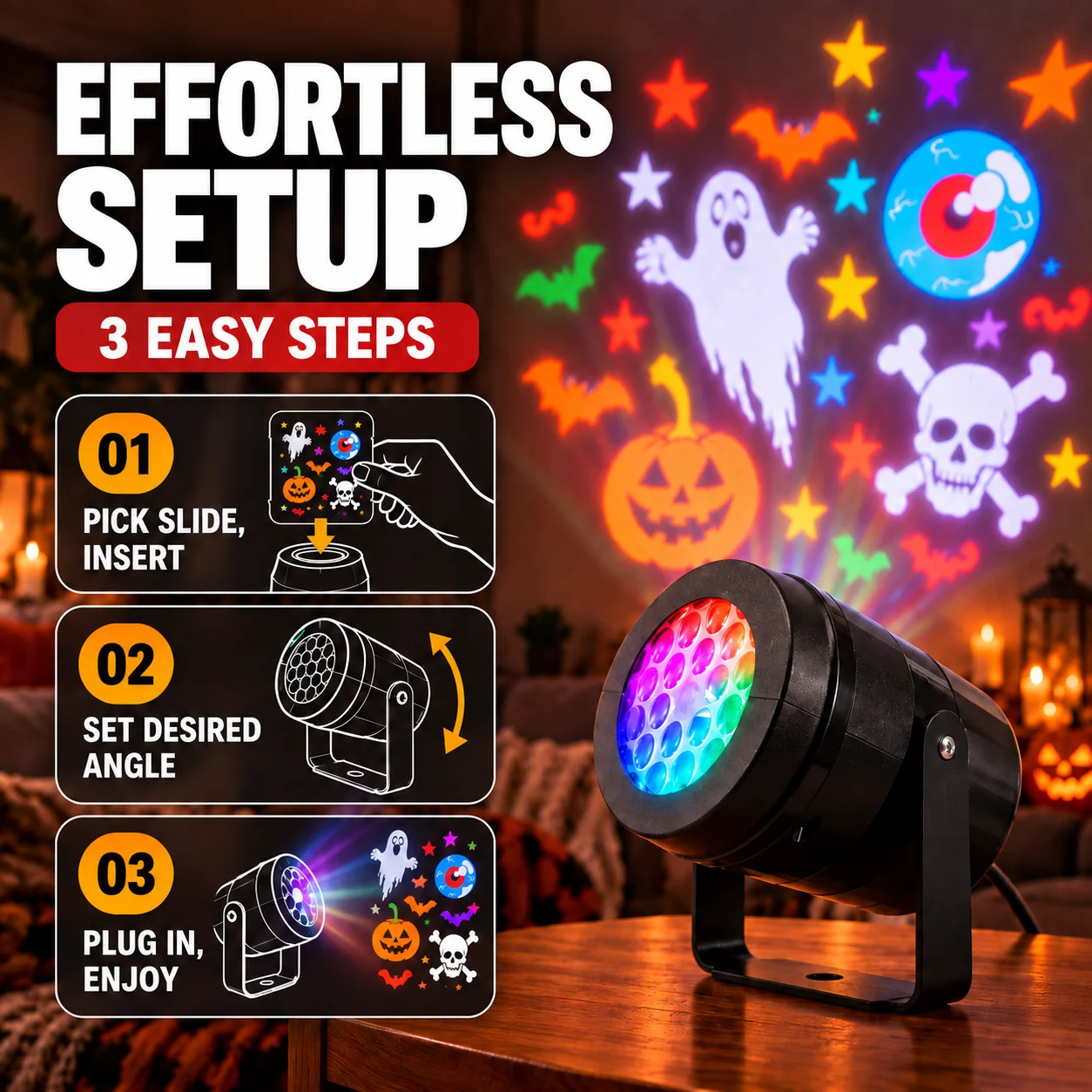
Use the supplied instructions to prepare the projector, select a compatible slide, position the unit and adjust the angle toward the intended display surface.
Before use, confirm the package contents, supported slides, power requirements and indoor or outdoor limitations from the manufacturer’s instructions.
See Package OptionsExplore ways a projector can complement your existing holiday decorations.
Use colourful projected scenes to help set the mood for a holiday gathering.
Switch between compatible themes for different celebrations and times of year.
Position the unit on a stable surface and aim it at a suitable wall or display area.
Follow the instructions included with your specific product and accessories.
Select a compatible seasonal slide and insert it as described in the instruction manual.
Place the projector securely and adjust its direction to suit the intended projection surface.
Connect power as instructed and check that the projection is clear and aimed away from people’s eyes.
Check the product listing and packaging for the exact features and accessories included in your order.
Project festive imagery onto a suitable surface to create a themed display.
Set the projector angle to frame the area you want to decorate.
Use compatible seasonal slides to change the look for different celebrations.
Explore the Halloween scenes shown in the supplied product artwork. Use the device only in locations and conditions approved by its instructions.
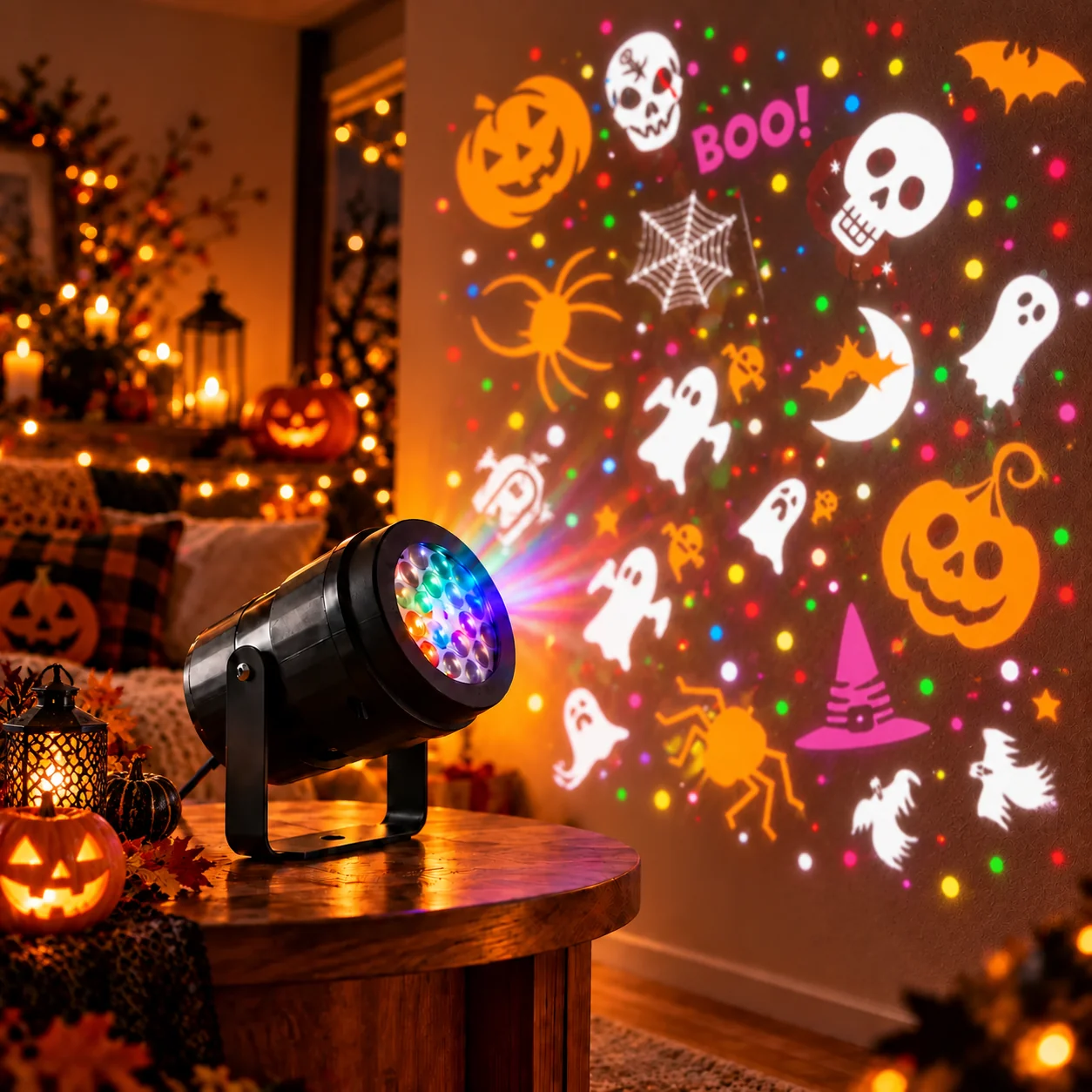
Use the projector according to the supplied manual. Keep power connections protected, avoid looking directly into the light source, and do not expose the unit to rain or moisture unless the manufacturer specifically rates it for those conditions.
Water resistance, projection distance, slide compatibility and operating specifications must be confirmed from the product’s official instructions. Do not assume outdoor weatherproofing without a stated rating.
A projector display may be a fun addition to a range of seasonal decorating styles.
Add themed projections to a seasonal display or party setting.
Complement trees, wreaths and other festive decorations with projected imagery.
Create a visual focal point for celebrations, using safe placement and supervision.
Explore an alternative to adding more individual decorations to a setup.
Use these supplied visuals for seasonal inspiration; actual projection results vary by environment and surface.
Review package quantity and current checkout terms before placing your order.
Shipping costs, delivery estimates, return eligibility and guarantee terms depend on the seller’s current policies. Review the final details at checkout before ordering.
For website questions, contact the support address below. For fulfilment, shipping status or returns, use the seller contact details included in your order confirmation.
support@holidayprism.com
+1 888 295 4952
Helpful information before you choose a package.
Holiday Prism is presented as a seasonal projection device for displaying festive imagery. Check the seller’s listing and product manual for exact specifications.
This page offers 1-unit, 3-unit and 5-unit packages only.
Savings are calculated by multiplying the configured MSRP per unit by the package quantity, then comparing that regular value with the configured package total. Savings are hidden if MSRP is zero or not greater than the offer price.
Only if the product instructions specifically permit outdoor use under the conditions where you plan to use it. Keep power connections protected and follow any stated weather limits.
Choose a package and use its button to visit the configured checkout destination. Buttons remain disabled until a valid checkout URL has been saved by the site administrator.
Review the seller’s current terms at checkout and on the relevant policy pages. The site owner should create those pages to match the actual business policies.
Explore Holiday Prism packages and confirm the current offer details at checkout.